


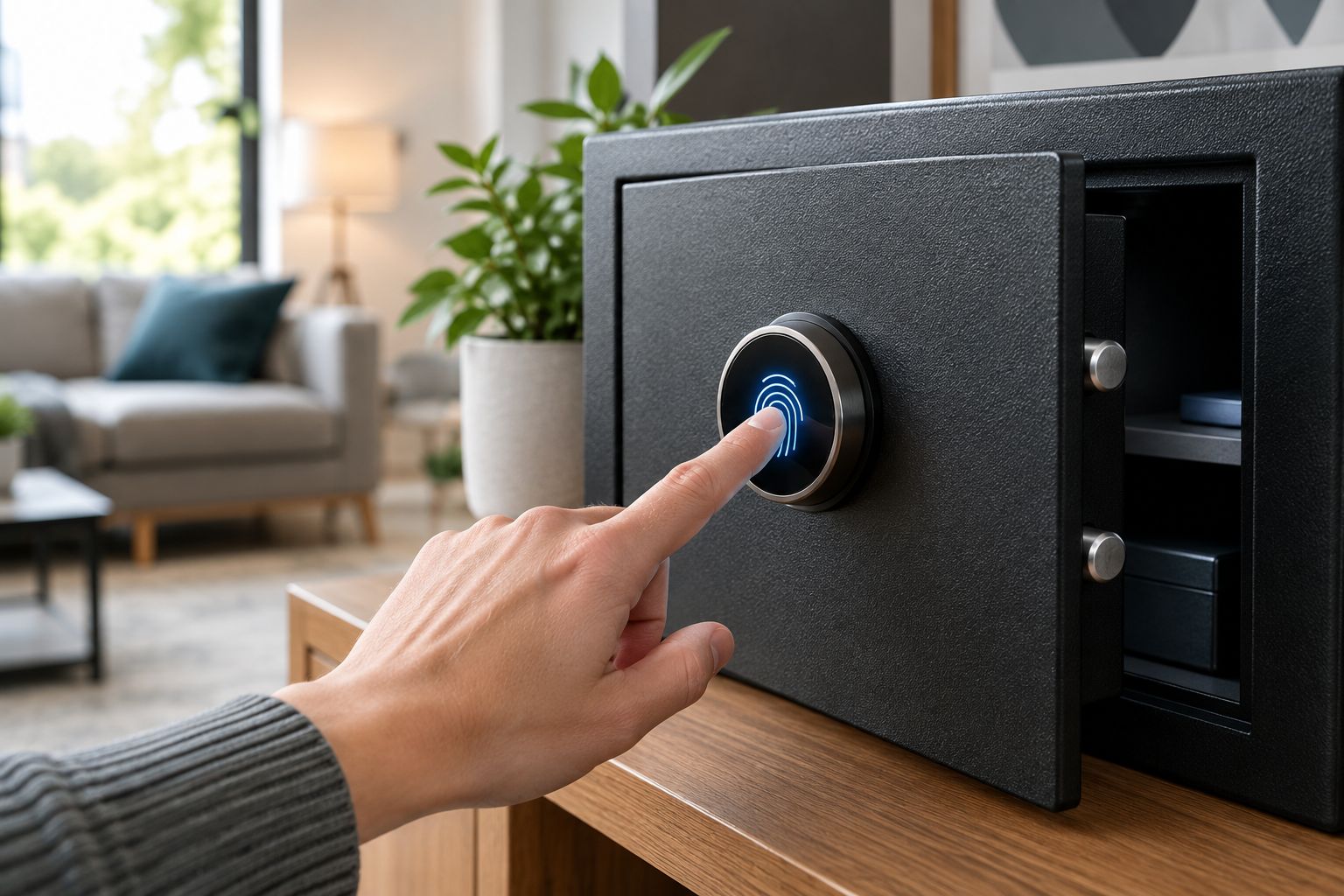
A biometric safe lock only talks to your smart home app when the hardware ships with Bluetooth or Wi-Fi built in - a fingerprint scanner by itself does not make a safe app-connected. Instead of guessing which parts of your current setup already support automation, work through the pairing steps below, and where the lock has no app of its own, wire a sensor into your existing alarm system so you still get an alert every time the door opens.
- Biometric safe smart home integration only works when the lock has built-in Wi-Fi or Bluetooth, not on every keypad model.
- Most digital-lock safes run on a replaceable 9V battery and pair with an alarm sensor instead of a native app.
- Enroll fingerprints locally first, then link the lock's own app to Google Home, Alexa or SmartThings for voice control.
- No app-enabled lock? Wire a door sensor to your existing alarm panel for open and close alerts instead.
- Test the automation before you store anything valuable - a failed sync affects the notification, not the lock.
Why this matters
Buyers assume "digital" and "biometric" mean "connected." They don't. A fingerprint scanner reads a print and releases a bolt - that's a local, offline decision the lock makes on its own. Most home and gun safes sold in Australia, including plenty of digital keypad and dial-lock models, have no radio hardware at all, so there's nothing for a phone app to talk to.
Before you spend an evening trying to pair a lock that was never built to pair, check Security Safes' current range for models that explicitly list Bluetooth or Wi-Fi connectivity in the spec sheet. If the listing only says "digital" or "biometric" with no mention of an app, treat it as a standalone lock and skip straight to the alarm-sensor workflow further down.
A biometric safe lock with genuine app support suits anyone who wants a phone alert on every open event; a safe with no radio still gets that same alert once you route a door sensor through your alarm system in 2026-era smart hubs. That's the fork this guide is built around.
Before you start
- A lock module with a stated Bluetooth or Wi-Fi radio - confirm it in the product's spec sheet, not just the name on the box.
- The manufacturer's companion app installed, plus a Google Home, Amazon Alexa or Samsung SmartThings account if you want voice control layered on top of the safe's own app.
- A fresh 9V (or equivalent) battery in the lock before you start enrolling fingerprints. Low battery mid-enrollment is the single most common reason a pairing session fails halfway through.
The gotcha: firmware cannot add a radio that was never installed. If your current safe has no Bluetooth or Wi-Fi chip, no software update in 2026 or any other year will make it app-connected - the alarm-sensor route below is your actual path to a notification.
Set up your biometric lock
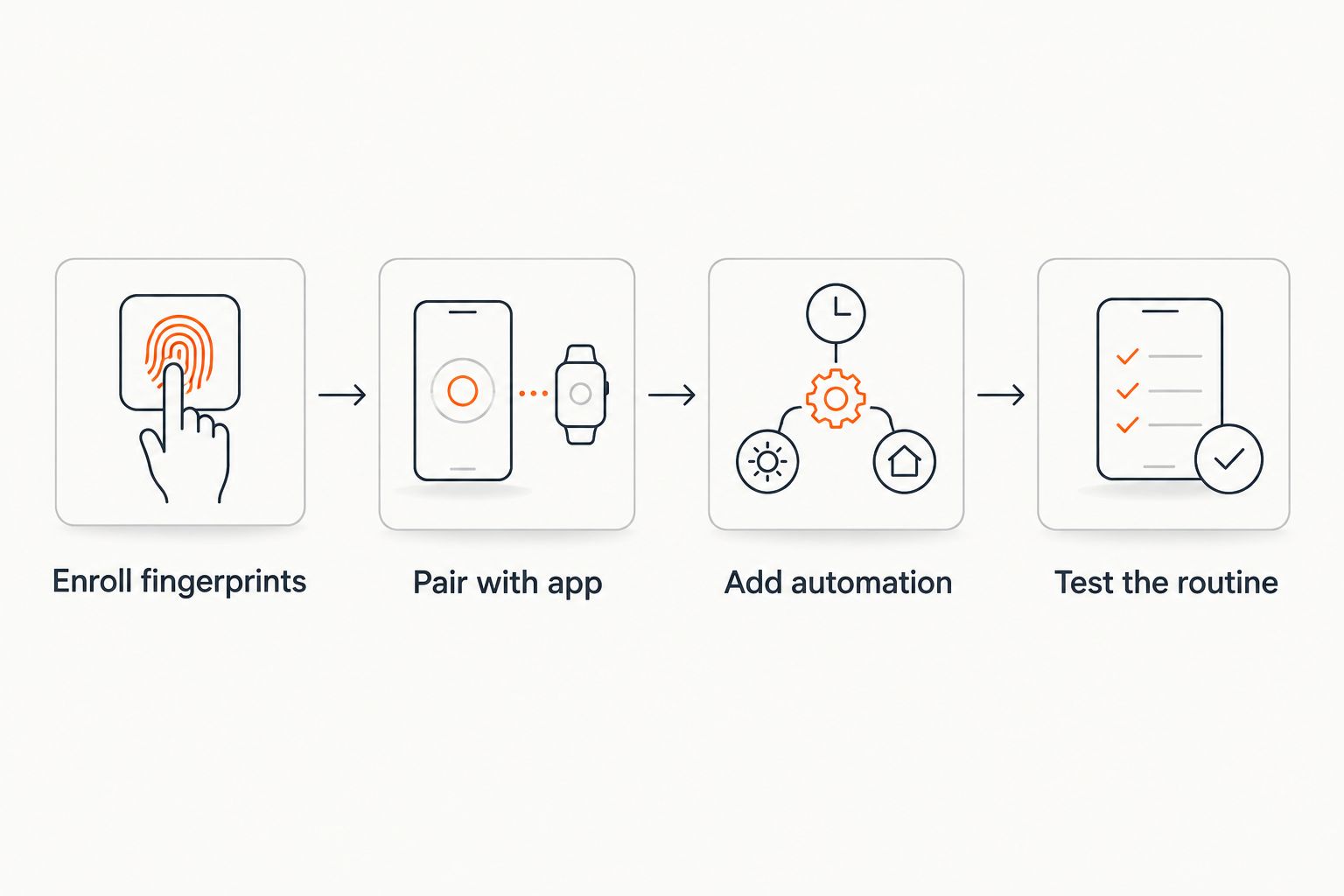
- Wipe any existing fingerprints from the lock's memory using the reset sequence in the printed manual - starting clean avoids ghost entries that block new enrollments.
- Enter the master code or key override to reach the enrollment menu, then follow the prompts to scan each finger you want registered.
- Set a backup PIN or physical key override at the same time. Biometric sensors degrade with dirty or scarred fingers; a backup gets you in when the scanner won't.
- Close the door and test each enrolled fingerprint before moving to the app. The lock must open reliably on its own before you add a wireless layer on top of it.
Expected result: every registered fingerprint opens the safe on the first attempt, and the backup PIN works as a fallback.
Connect the lock to your smart home app
- Open the manufacturer's app and select Add Device or Pair New Lock.
- Hold the safe's pairing button (usually inside the door or on the keypad panel) until the status light changes to a pairing mode - check the manual for the exact colour or blink pattern on your model.
- Confirm the device name that appears in the app, then tap Connect.
- Once paired, open Settings inside the app and enable Push Notifications so every open and close event reaches your phone.
Expected result: the app shows the lock as Online and logs a timestamped entry the next time someone opens the door.
Configure automations and notifications
- Inside Google Home, Alexa or SmartThings, add the safe as a new device using the account you linked in the manufacturer's app.
- Build a routine: When safe opens > send phone notification is the baseline most households want first.
- Layer in a second action if useful - turning on a hallway light or triggering a smart speaker announcement when the safe opens after hours.
- Save the routine and trigger the safe manually once to confirm the notification arrives within a few seconds.
“If the app can't confirm a fingerprint scan inside Bluetooth range, the safe still opens locally - the automation just doesn't log it.”
No app-enabled lock? Route it through your alarm system instead
Most digital and dial-lock safes have no radio to pair, but you can still get an open/close alert by wiring a magnetic door sensor into your existing home alarm panel - the same way you'd sensor a window or an external door. The panel handles the notification; the safe's lock mechanism doesn't need to change at all.
For the full wiring and zone-configuration steps, see how to connect a digital safe lock to your home alarm system. This variant covers the exact same outcome - a phone alert on every open event - for the far larger share of safes on the market that were never built with an app in mind.
Troubleshooting
- Fingerprint rejected repeatedly - clean the sensor glass and the finger itself; oil and moisture are the most common cause of false rejections, not a hardware fault.
- App shows lock as Offline - move the phone or hub closer during pairing; most Bluetooth safe locks have a shorter effective range than a standard smart plug or bulb.
- Notifications delayed by several minutes - check the app's background refresh permission on your phone; some operating systems throttle apps that aren't actively open.
- Routine fires on false triggers - a door sensor mounted loosely can register a false open/close; re-seat the magnet and sensor flush against the door frame.
- Backup PIN won't override after a failed pairing - most locks require the door to be fully closed before accepting an override code; check the door seal isn't obstructed.
Customize your workflow
Once the base routine works, expand it. Add a second notification recipient for a household member, or set a scheduled "quiet hours" rule so routine daytime access doesn't trigger an alert but a 2am open does. If you're weighing a biometric model against a straight digital keypad for the next purchase, biometric safes for quick home access covers the trade-offs on speed versus reliability, and fireproof safes with a biometric lock in Australia covers what to check if fire rating matters as much as the lock type.
FAQ
Can any biometric safe connect to a smart home app?
No - only models with a built-in Bluetooth or Wi-Fi radio can pair with an app. A fingerprint scanner alone reads a print locally and doesn't transmit anything, so check the spec sheet for stated wireless connectivity before assuming a biometric safe will connect.
What's the best way to get alerts from a safe with no app?
Wire a magnetic door sensor into your existing home alarm system, the same way you'd sensor a window. The panel sends the notification while the safe's own lock mechanism stays unchanged.
Does a low battery affect biometric safe smart home integration?
Yes - a weak 9V or equivalent battery is the most common cause of failed fingerprint enrollment and dropped app pairing sessions. Replace the battery before starting setup, not after troubleshooting a failure.
Is a biometric lock more reliable than a digital keypad for daily access?
Biometric locks are faster for daily access when fingers are clean and dry, but a keypad has no sensor to degrade over time. Most households keep a backup PIN or key override active on a biometric model for exactly this reason.
How do I know if my current safe supports app connectivity?
Check the original spec sheet or manual for the words Bluetooth, Wi-Fi or app-enabled. If the listing only says digital or biometric with no mention of wireless hardware, the lock has no radio and can't be retrofitted with firmware.
Can I use Google Home or Alexa directly with a biometric safe lock?
Only after the lock is already paired with its own manufacturer app - Google Home and Alexa link to that app's account, they don't connect to the safe's hardware directly.
Why did my safe's app notification stop working after a few weeks?
Background app refresh settings on some phones throttle apps that sit unused, which delays or blocks push notifications. Check the phone's battery and background-activity permissions for the safe's app first.
One last thing
The single biggest mismatch buyers hit in 2026 isn't a bad pairing attempt - it's buying a safe expecting app control that the lock was never built to offer. Read the spec sheet for the word "Bluetooth" or "Wi-Fi" before you buy, not after the first failed pairing attempt, and if it's missing, plan on the alarm-sensor route from day one instead of troubleshooting a connection that will never exist.